Team Settings
Use Team settings to invite colleagues and manage people who can access the workspace.
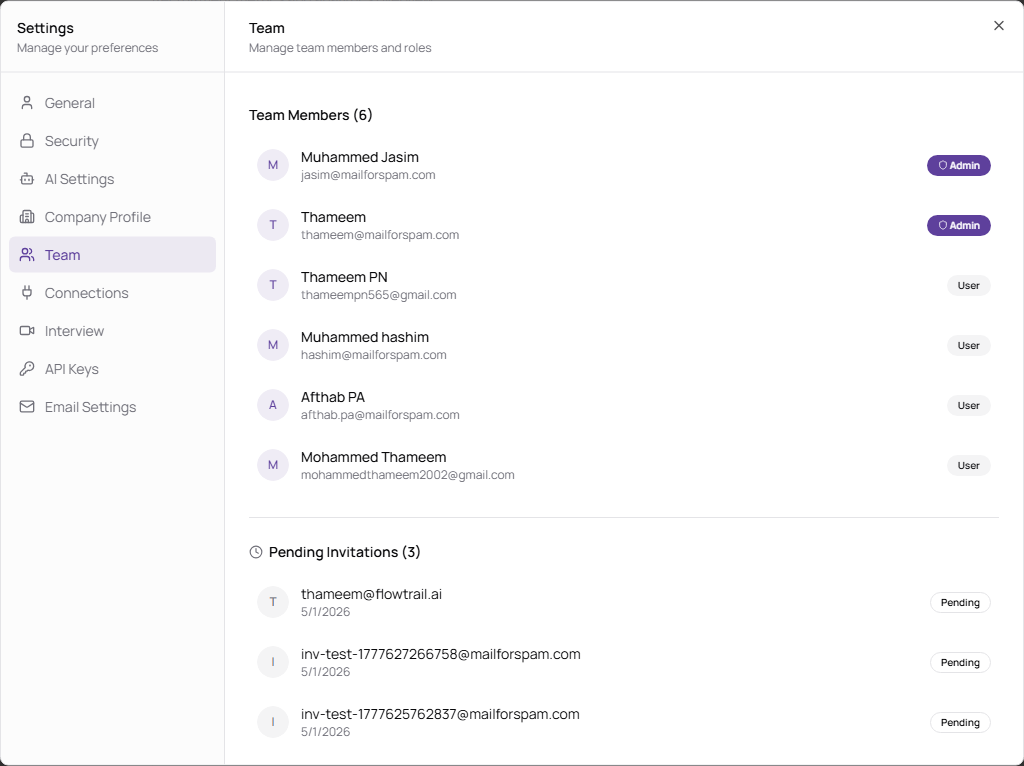
Invite a Team Member
- Open Settings.
- Select Team.
- Enter the colleague’s Email.
- Click Send Invitation.
| Area | Description |
|---|---|
| Email address for the person you want to invite. | |
| Send Invitation | Sends a workspace invitation. |
| Team Members | Shows accepted members, names, emails, and roles. |
| Pending Invitations | Shows invitations that have not been accepted yet. |
| Delete | Removes a member or cancels a pending invitation. |