General Settings
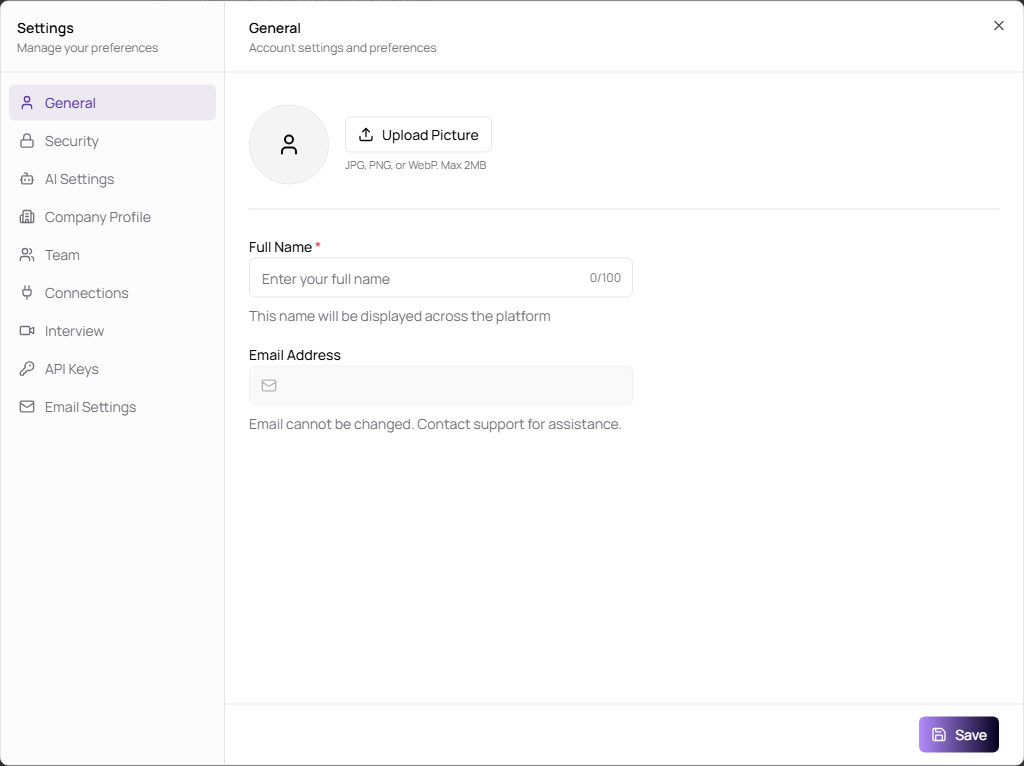
Use General settings to manage your personal profile. Your name appears across TruePick wherever your account is shown.
Update Your Profile
- Open Settings.
- Select General.
- Click Upload Picture to change your profile photo.
- Update Full Name.
- Click Save.
| Field | Description | Required |
|---|---|---|
| Upload Picture | Uploads your profile image. Supported formats are JPG, PNG, and WebP. Maximum size is 2 MB. | No |
| Full Name | Name shown across the platform. It must be 2 to 100 characters. | Yes |
| Email Address | Your sign-in email. This field is read-only and cannot be changed from settings. | Yes |