Security Settings
Use Security settings to change your password. You need your current password before TruePick will save a new one.
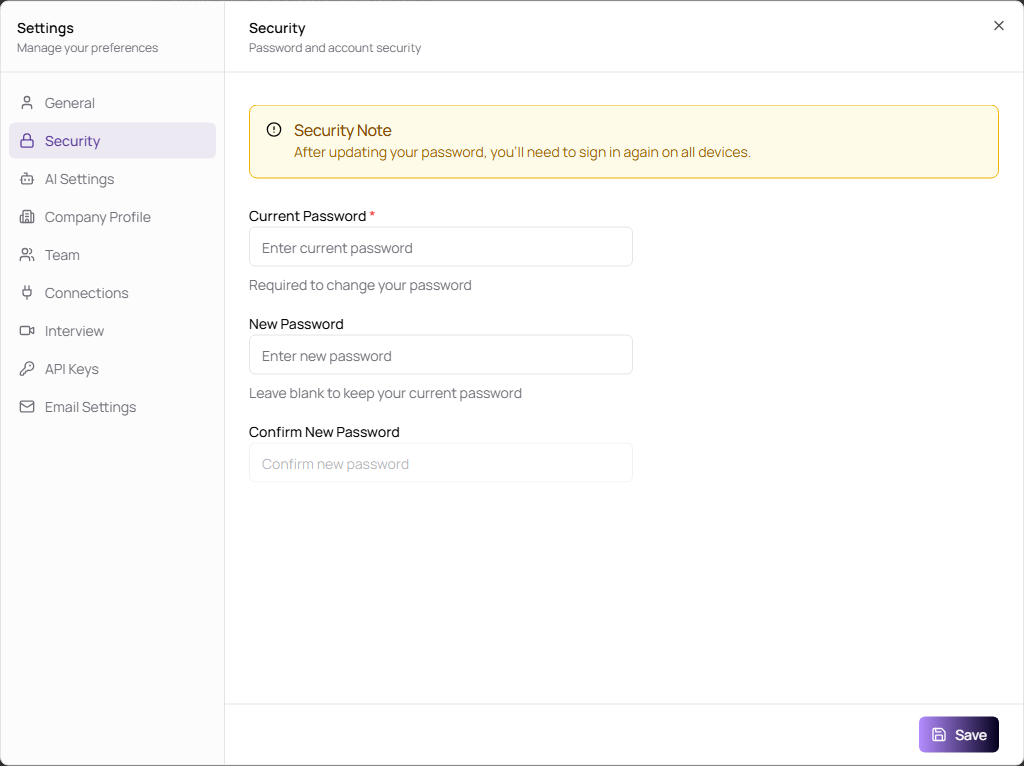
Change Your Password
- Open Settings.
- Select Security.
- Enter Current Password.
- Enter New Password.
- Confirm the new password.
- Click Save.
| Field | Description | Required |
|---|---|---|
| Current Password | Confirms your identity before changing the password. | Yes |
| New Password | The password you want to use next. Leave it blank if you do not want to change it. | Yes, when changing password |
| Confirm New Password | Must match New Password. | Yes, when changing password |