Company Profile Settings
Use Company Profile to review or update organization details used across the workspace.
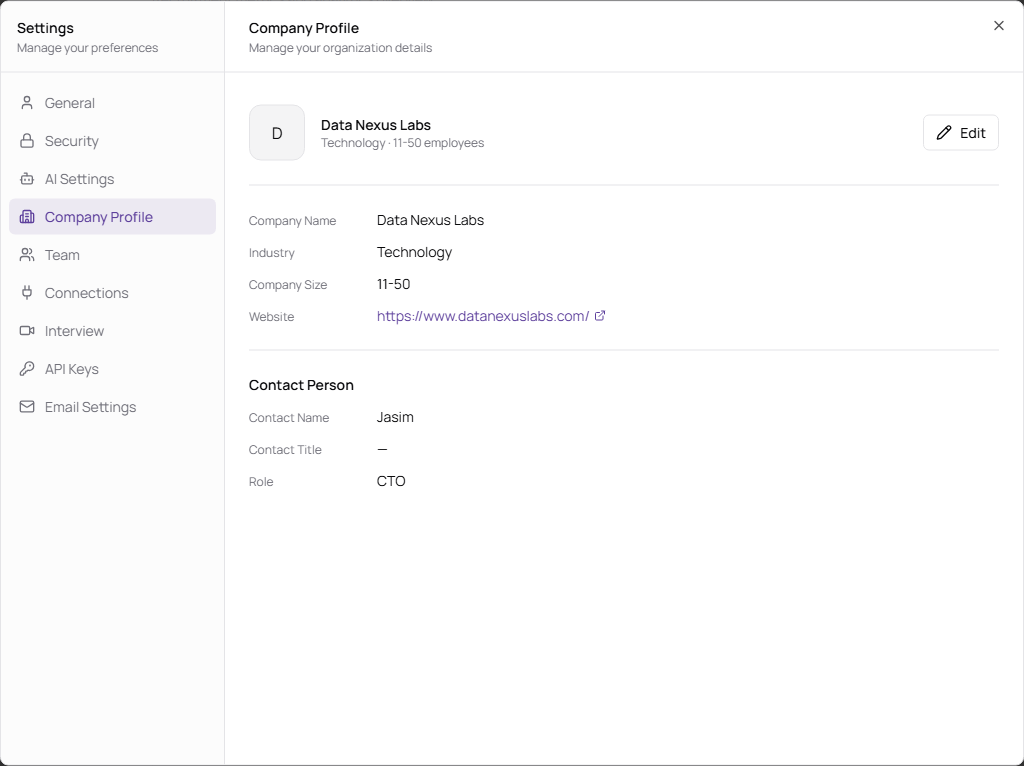
Manage Company Details
Admins can click Edit to change company information.
| Field | Description | Required |
|---|---|---|
| Upload Logo | Uploads the company logo. Supported formats are JPG, PNG, and WebP. Maximum size is 2 MB. | No |
| Company Name | Workspace company name. | Yes |
| Industry | Industry or business category. | No |
| Company Size | Number of employees. Options include 1-10, 11-50, 51-200, 201-500, 501-1000, and 1000+. | No |
| Website | Company website URL. | No |
| Contact Name | Main company contact person. | No |
| Contact Title | Contact person’s job title. | No |
| Role | Contact person’s role in the hiring process. | No |