API Keys Settings
Use API Keys to create and manage keys for integrations, public API access, and embedded job workflows.
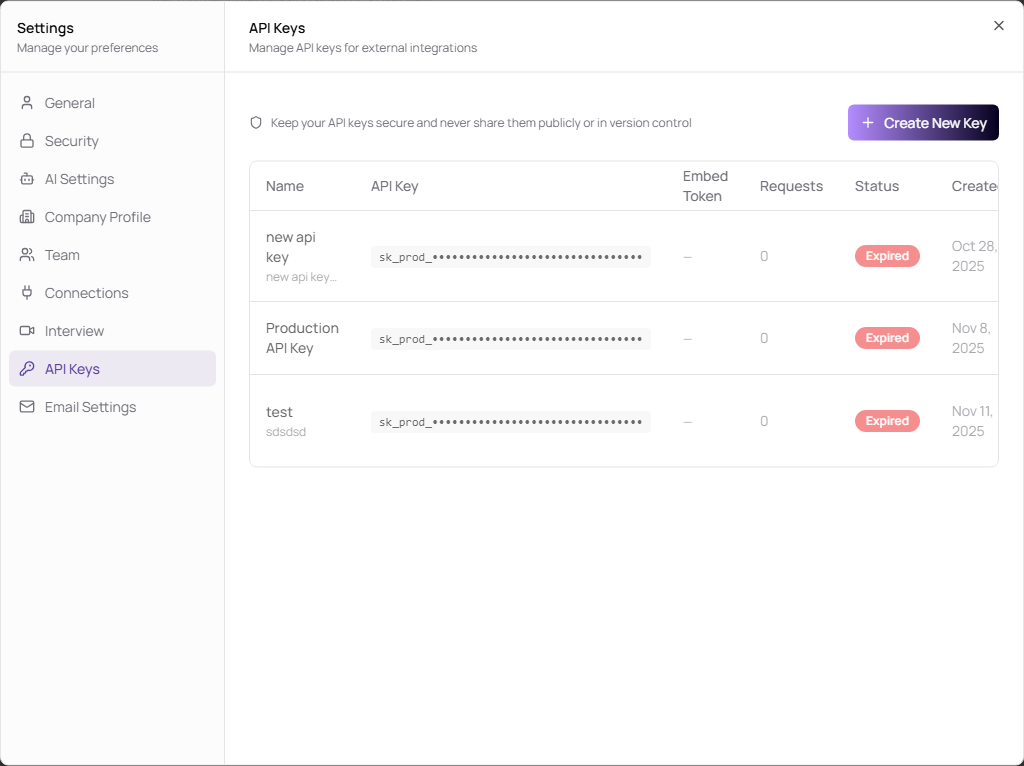
Create an API Key
- Open Settings.
- Select API Keys.
- Click Create New Key.
- Enter a name, validity period, optional description, and embed token setting.
- Click Create API Key.
| Field | Description | Required |
|---|---|---|
| Name | Clear key name, 3 to 50 characters. | Yes |
| Valid For | Expiration period: 15 days, 25 days, 45 days, 90 days, 6 months, or 1 year. | Yes |
| Description | Optional note explaining what the key is for. Maximum 500 characters. | No |
| Generate embed token | Creates an embed token with the key for job embed use cases. | No |
Manage Keys
| Action | Description |
|---|---|
| Copy | Copies a visible key value. |
| Delete | Revokes the key. Connected integrations using that key will stop working. |