Connections Settings
Use Connections to connect external apps and manage connected profiles used by scheduling and automation workflows.
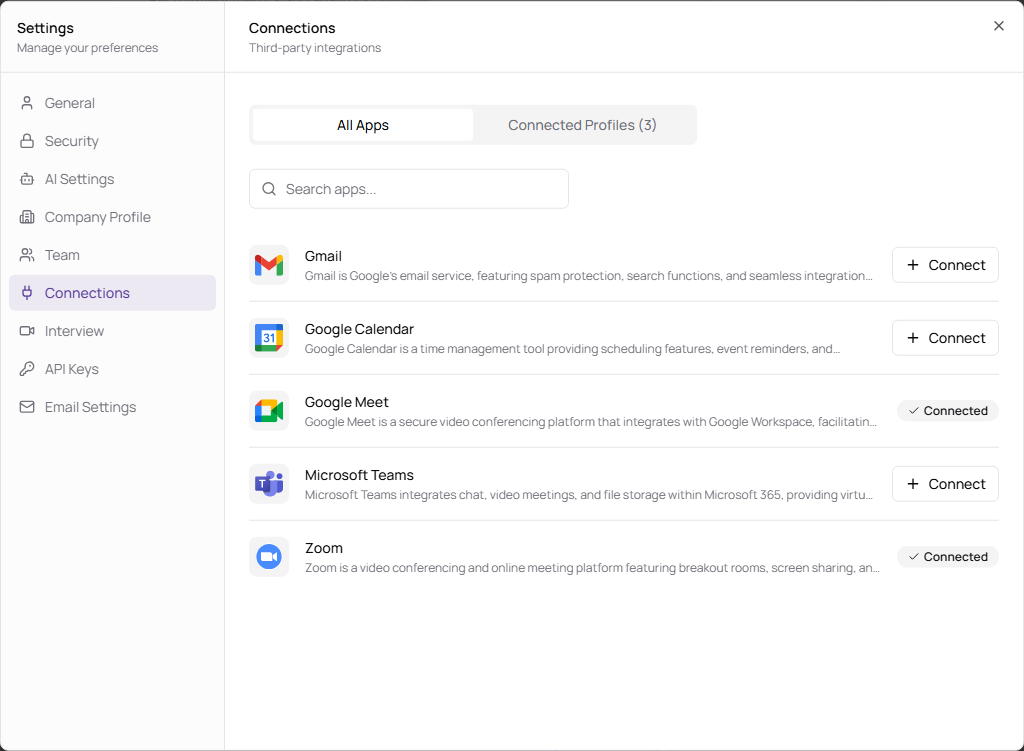
Connect Apps
- Open Settings.
- Select Connections.
- Use All Apps to browse available integrations.
- Search for an app if needed.
- Click Connect and complete the connection flow.
| Control | Description |
|---|---|
| All Apps | Shows apps available to connect. |
| Connected Profiles | Shows apps already connected to your workspace. |
| Search apps | Filters the available apps list. |
| Connect | Starts the connection flow for an app. |
| Connected | Indicates an app is already connected. |
| Delete / Disconnect | Removes a connected profile. |